

Share images with every site
Images in the Global site’s gallery appear in the email builder on every JungleMail 365 site, beside each site’s own images. Upload your logo, banners and other brand images there once, and everyone who designs a newsletter or a template can use the same, current versions. Keep it to the images every team needs: pictures for one team’s newsletters belong in that site’s own gallery, where they don’t crowd everyone else’s.
Before you begin
Section titled “Before you begin”- Your organization has a Global site, and you have the Administrator or Template Manager role there; a global administrator needs one of them too (The Global site). In JungleMail, switch to it in the site switcher at the top left.
- Shared images are part of the Enterprise plan. On other plans, share a picture by its address instead (below).
Upload images
Section titled “Upload images”On the Global site, select Company Gallery in the top menu.
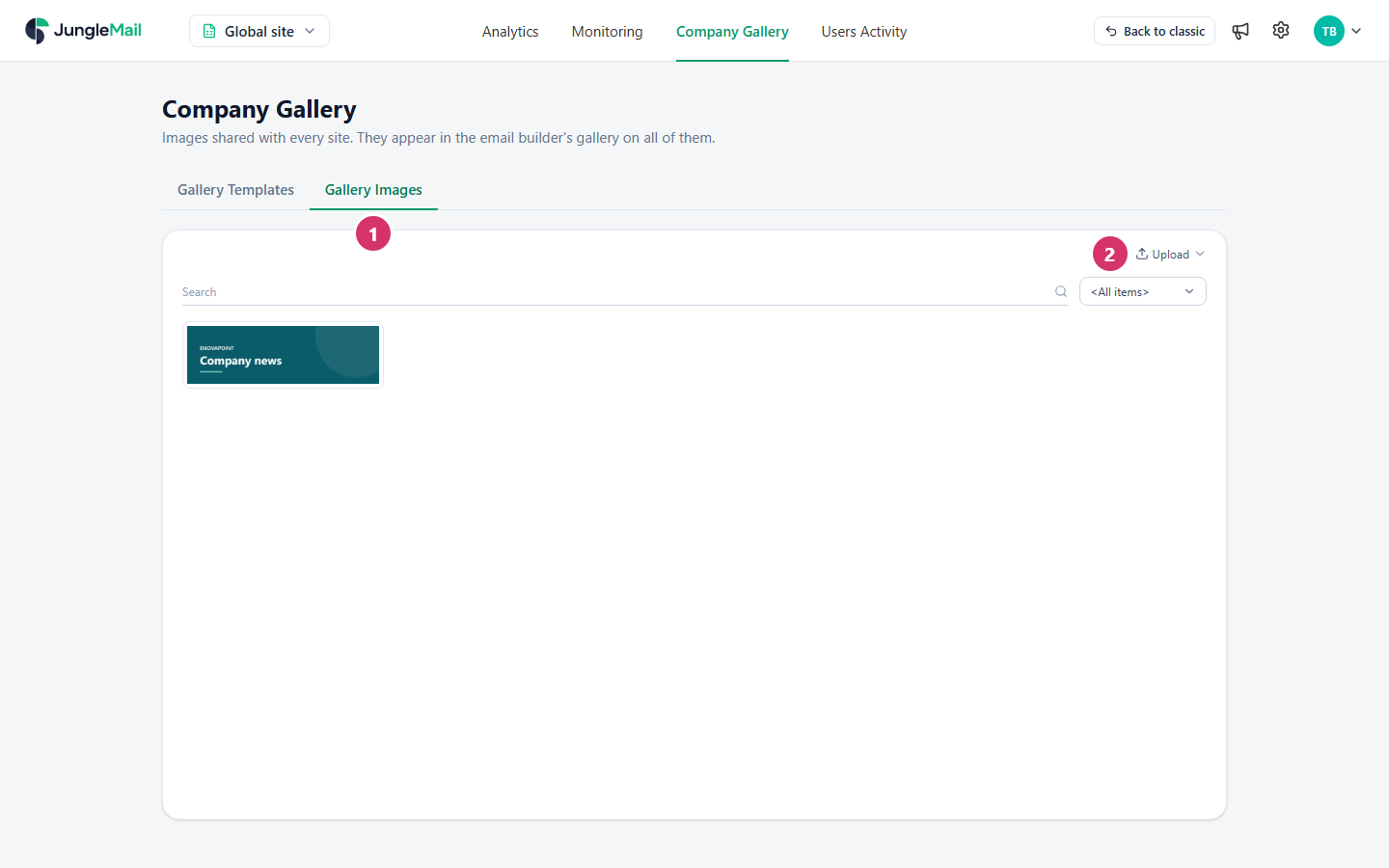
- Select Gallery Images.
- Select Upload, then Upload from disk and choose the images. To take an image from the web instead, select Import from URL, enter its Image address and select Import.
The images are shared with every site straight away. Search and the categories help you find them in a large gallery; to remove an image from every site, point to it, select its menu (⋮) and Delete image.
Where sites find them
Section titled “Where sites find them”In the email builder, select Gallery at the right edge. The Image gallery tab lists the shared images together with the site’s own.
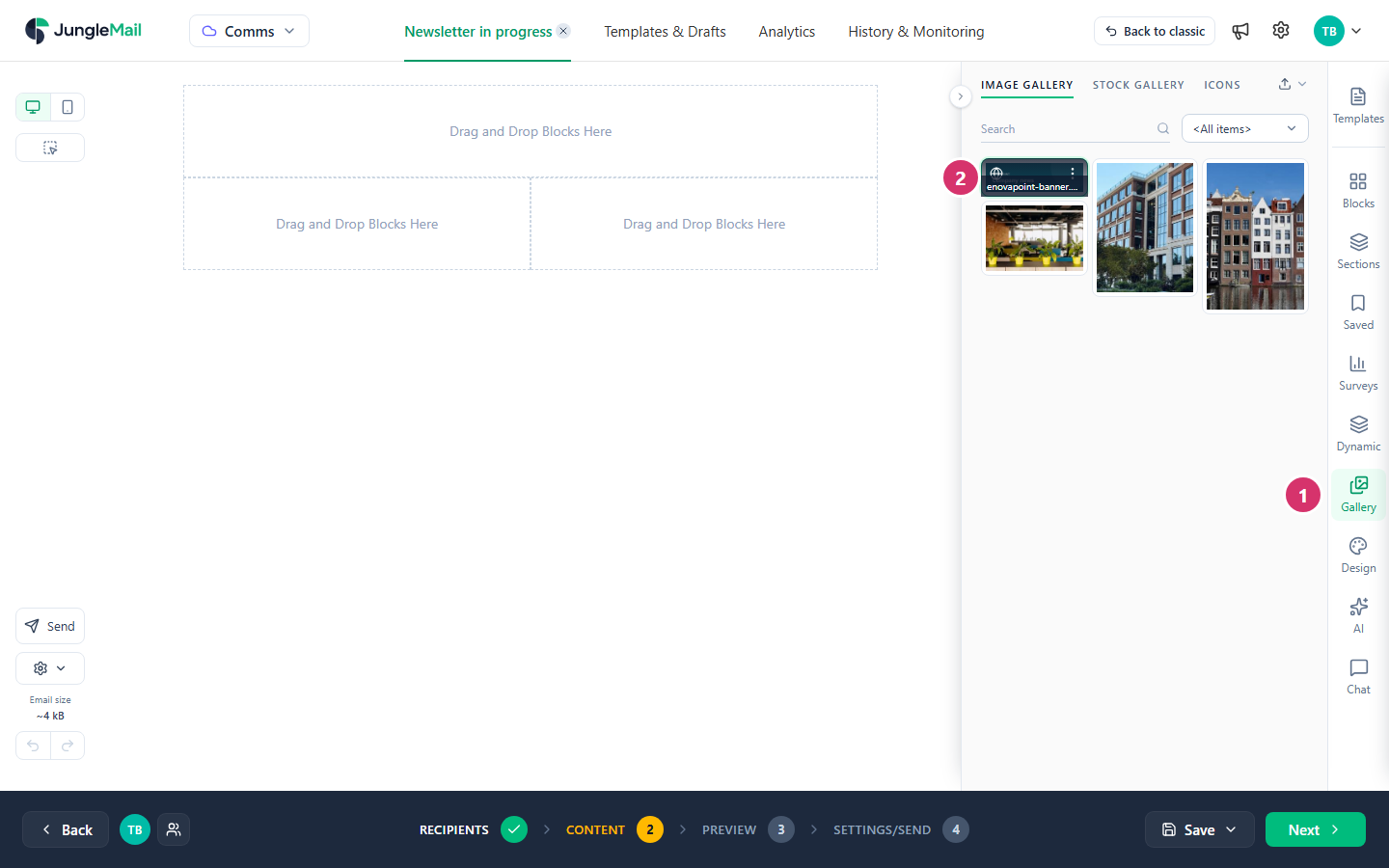
- Gallery opens the images.
- Pointing to a shared image shows a globe, Shared image. Sites use it like any other image, but only the Global site can change or delete it.
Without the Global site
Section titled “Without the Global site”A picture can still be used on several sites by its address. In the email builder’s Gallery, point to the picture, select its menu (⋮) and Copy URL. On the other site, paste the address into Image URL on an Image block, or copy the picture into that site’s gallery with Upload > Import from URL (Add images). Importing it is the safer of the two: the other site then has a copy of its own, which stays if the first site deletes the picture.
- Upload high-quality pictures. The gallery compresses and optimizes them, and every site that uses them gets the same quality (Add images).
- Share the logo in a template too. The gallery shares the picture alone; in a shared or default template, the logo comes with its link and alternate text, ready to use (Share templates with every site).
- Don’t delete a picture that emails may still show. Emails load their pictures from the gallery when they are opened, so a deleted picture can disappear from templates and from newsletters people have already received (Audit copies and data retention). When the logo changes, upload the new one, update the shared templates, and keep the old picture for the newsletters already sent.