

"Access denied" in JungleMail
Symptoms
Section titled “Symptoms”One of these:
-
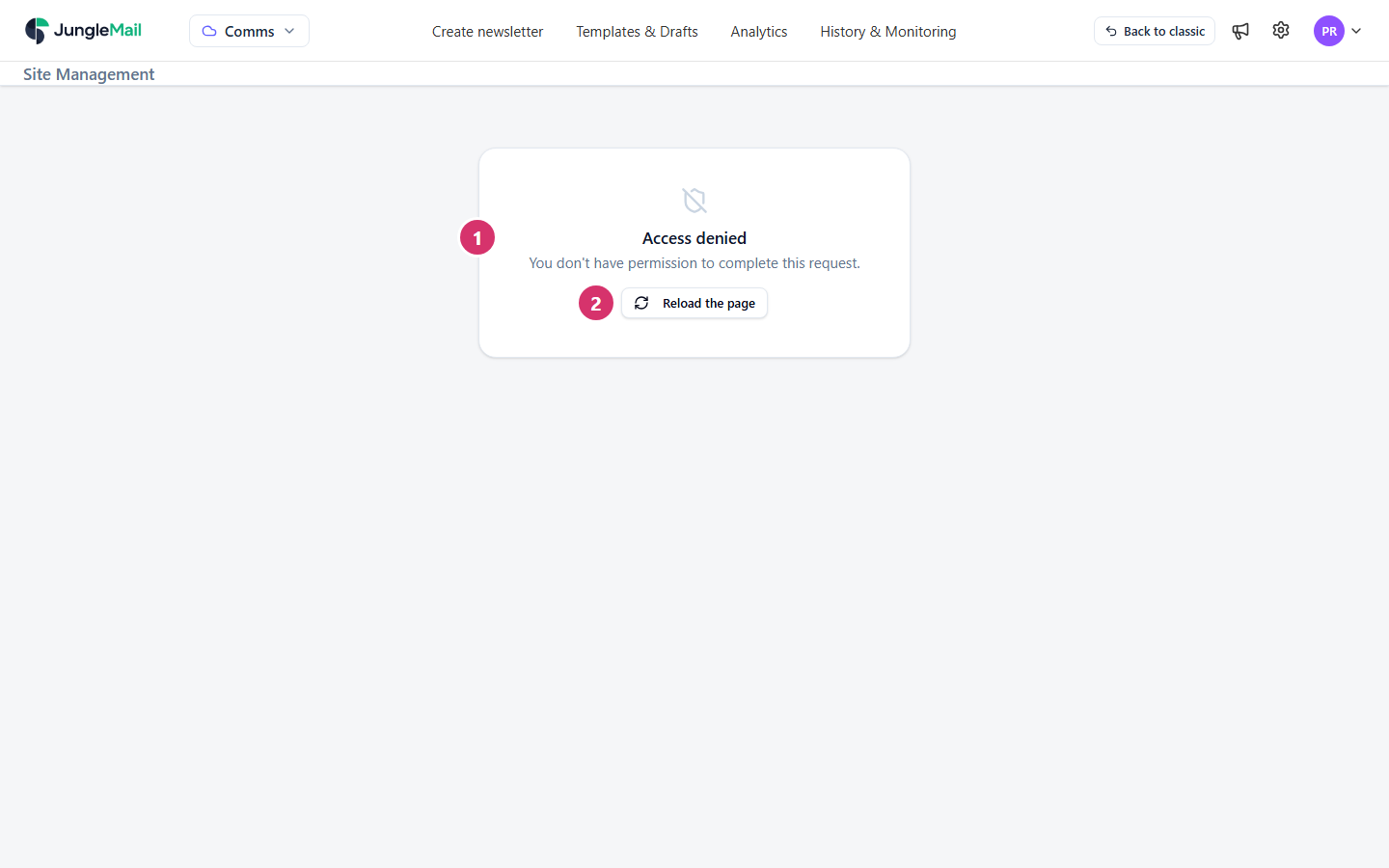
A page shows Access denied and You don’t have permission to complete this request., with Reload the page. An action you tried can show the same message, with Reload the page and Close.
-
A Global Management page shows Global administrator account is required to access the page. with Request permissions.
-
JungleMail 365 doesn’t open a site, and shows Access Denied! with Unfortunately, you do not have permission to access this page. Please ask your JungleMail 365 administrator to provide you permissions., or Unlicensed user with Unfortunately, you do not have a license to access JungleMail.
-
Signing in ends with You don’t have permissions to access any JungleMail Site.
What you can do depends on your role on each JungleMail site. Editor can create, send and delete newsletters and templates, but can’t change the site’s settings; Viewer can only look at newsletters, templates, history and statistics; Administrator can do everything on the site, and your organization can have roles of its own. Global Management needs the global administrator role, and opening a site at all needs a license and a role on that site.
JungleMail reads your permissions when it opens. If an administrator changes your role while you work, JungleMail goes on with the permissions it read until you reload it.
Solution
Section titled “Solution”- Select Reload the page, after saving your work: if you have been given the permission since you opened JungleMail, the reload picks it up.
- If it is still refused, ask an administrator of the site for a role that allows it (Manage site users). On the Access Denied! page, Request access emails your global administrators for you, and JungleMail says Permission request email has been sent to administrators.
- For a Global Management page, select Request permissions to ask your global administrators, and JungleMail says Permission request has been sent. If none of them is available, write to support@enovapoint.com.
- For Unlicensed user, ask a global administrator to give you a license (Manage users and licenses).
Prevent it
Section titled “Prevent it”- Let teams in through their groups. A site administrator can add a Microsoft 365 group to the site with Add Users > Add groups: its members then join with the role chosen for them, without asking one by one (Manage site users).
- Keep at least two global administrators. Requests for access and licenses go to them; with two, someone can answer when the other is away (Global administrators).
- Free the licenses of people who have left. When every license is in use, people who sign in for the first time get none and see Unlicensed user. A global administrator frees one by deleting someone who no longer needs JungleMail (Manage users and licenses).
If that does not help
Section titled “If that does not help”- If the message says the site is archived or inactive, such as This JungleMail (Comms) site is currently inactive., a global administrator restores the site (Create and manage JungleMail sites).
- If JungleMail asks you to Extend session, your sign-in has expired: select it and sign in again in the window that opens. What you were doing is retried.
- Otherwise, contact support with the page or the action that was refused, and the time (Get help from support).